


Drums · Tonal Groove
A different tone and feel for the same drum groove.
0:00 / 0:07
 A world of sound.
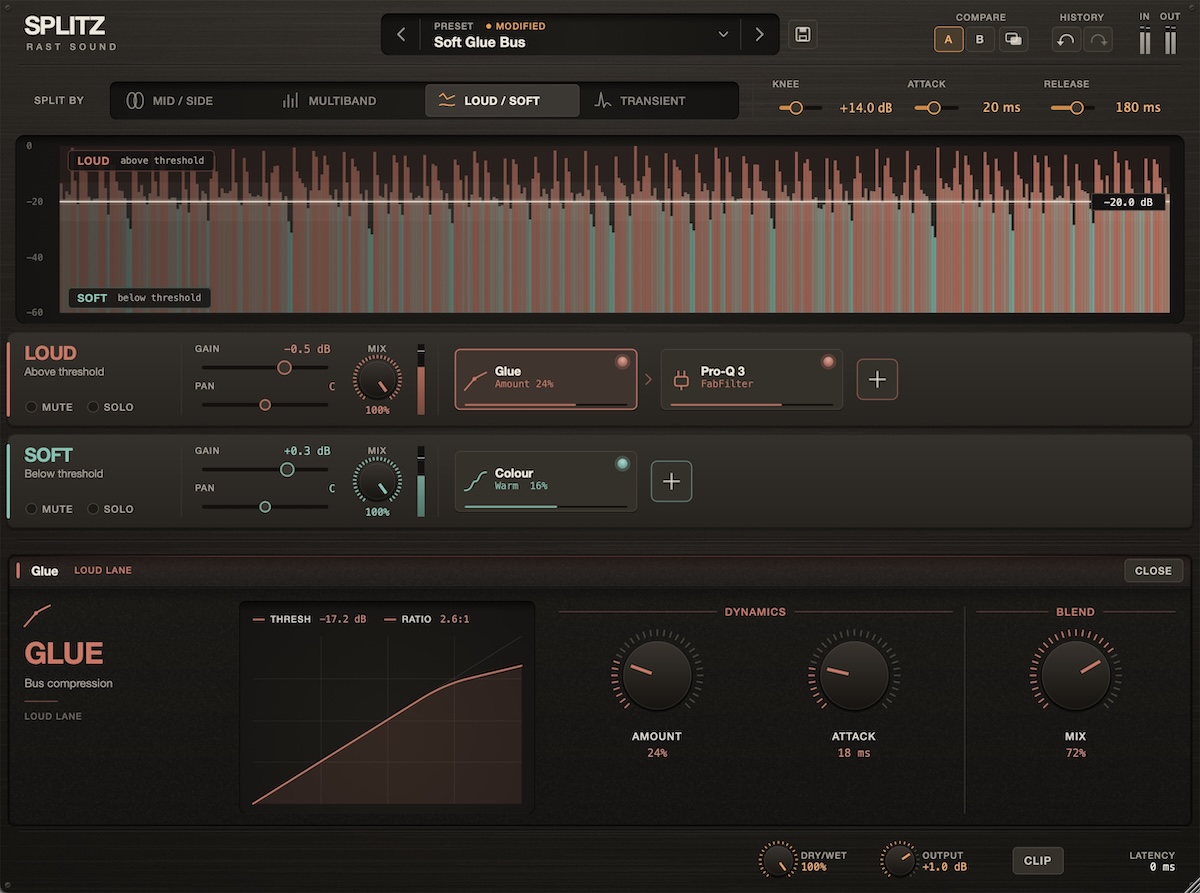
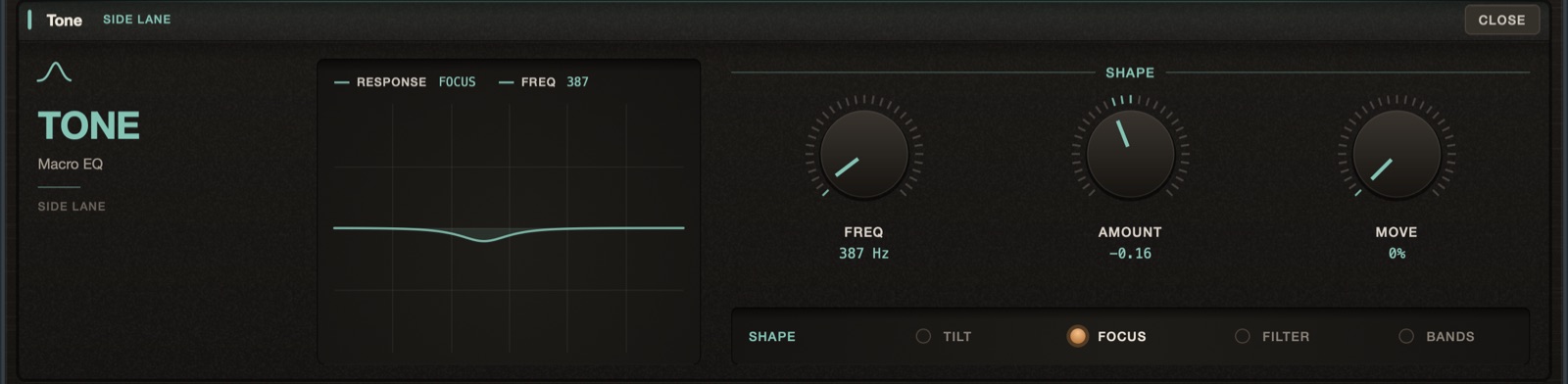
Each part gets up to four effect slots. Mix the included effects with your own VST3 plugins, or Audio Units on Mac, even in Pro Tools.
Switch Original / Splitz to compare.
A different tone and feel for the same drum groove.
Listen to the space that follows the vocal.
Bring out the quieter details in the guitar.
Add growl to the bass while keeping the low end solid.
Hear the synth spread into wide echoes.
Bring the quiet drum hits forward.
Hear the vocal open out into wide echoes.
Open up the top of the drum groove.
What people are saying
“I’ve always wanted a plugin like Splitz—creative, useful, and able to host my own effects. Loud/Soft is my favourite split mode, but the others are incredibly useful too.”
“One of the most creative and inspiring plugins I’ve come across in a while.”
Lift and colour only the quiet notes. The groove comes forward, the main hits stay where they are.
Compression on the sustain only. The drums get thick and controlled, and every hit still cracks.
Add saturation to the start of each note while the sustain stays clean and round.
Add saturation only to the loud phrases. Belted lines get denser while quiet ones stay clean.
Keep the strike of a kalimba, marimba or piano. Send what rings after it into echo and modulation—or your own pitch or granular plugin.
On a stereo instrument, add delay to the sides and give the centre its own, drier treatment.
High-pass the sides. The bass sits solid in the centre while the top stays wide and open.
Add a little saturation to the quiet parts. Verses fill out without making the loud sections harsher.
With no effects loaded, the parts recombine flat. Every part stays in time, even when its plugins add latency, so you can blend, solo and compare with confidence.
Solo a part to hear exactly what you're changing. Balance it with gain, pan and mix controls, or mute it altogether.
A/B two setups, undo and redo as you explore, and blend the result with the original using dry/wet.
Save your own effect chains and split settings as user presets.
6 highlights from 47 presets
Hits jump forward, the body tightens.
Reverb blooms between the hits.
Ghost notes forward, accents untouched.
For kick tracks: bigger tap, heavier body.
Tighter drums, cleaner tails.
Crush only the loud hits.
The body ducks under every hit.
Delay only the hits.
For overheads: calms the top only on loud hits.
Reverb blooms behind the words.
Darker echoes that bloom from the held notes.
Softens harsh notes only when they get loud.
Brings quiet phrases forward.
Grit only when the singer pushes.
Stereo stacks: dry, upfront lead, wide space around it.
Silky air above the voice.
For stereo synth bass: mono lows, clean sides.
Tight, heavy, even low end.
Clean sub, driven top.
Growl on every note, smooth sustain.
Electric guitar: clean when soft, driven when you dig in.
Clear notes, cinematic decay.
Volume swells without a pedal.
Fingerpicked guitar: clear plucks, shimmering ring.
Softer, rounder piano attacks.
Glue only the loud sections.
Lift only the quiet details.
Punch on the whole mix.
Each band glued on its own.
Open stereo, solid centre.
Steady lows, open wide highs.
Subtle finishing chain.
Weighty, controlled lows.
Denser master: quiet passages fill out, peaks held.
Mono lows, open air.
Gentle four-band balance.
Stereo sources: echoes around the centre.
Phasing mids, highs drifting side to side.
Quiet parts pump under the peaks.
Grit when loud, wobble when quiet.
The highs breathe with the kick.
Notes dissolve as they fade.
Real impact, unreal aftermath.
Mids and highs repeat in their own rhythms.
Stutter only the hits.
Echo throws on the loud notes, a wash under the rest.
Mids and highs echo in their own rhythms, spread across the stereo field.
Yes. Load your VST3 effects on Mac or Windows, and Audio Units on Mac, even when using Splitz in Pro Tools. Almost all the third-party effect plugins we tested worked in Splitz.
Yes. Automate the split controls, each part’s gain, pan, mix, mute and solo, and the overall dry/wet and output. Effect parameters inside Splitz are not currently exposed to DAW automation.
An internet connection is needed to activate the full version. Once activated, you can work offline.
Yes. Try the free 15-day demo.

Splitz is included
Get Splitz alongside Redwood, Tamer and more. 17 instruments and effects for writing, shaping and mixing your music.